
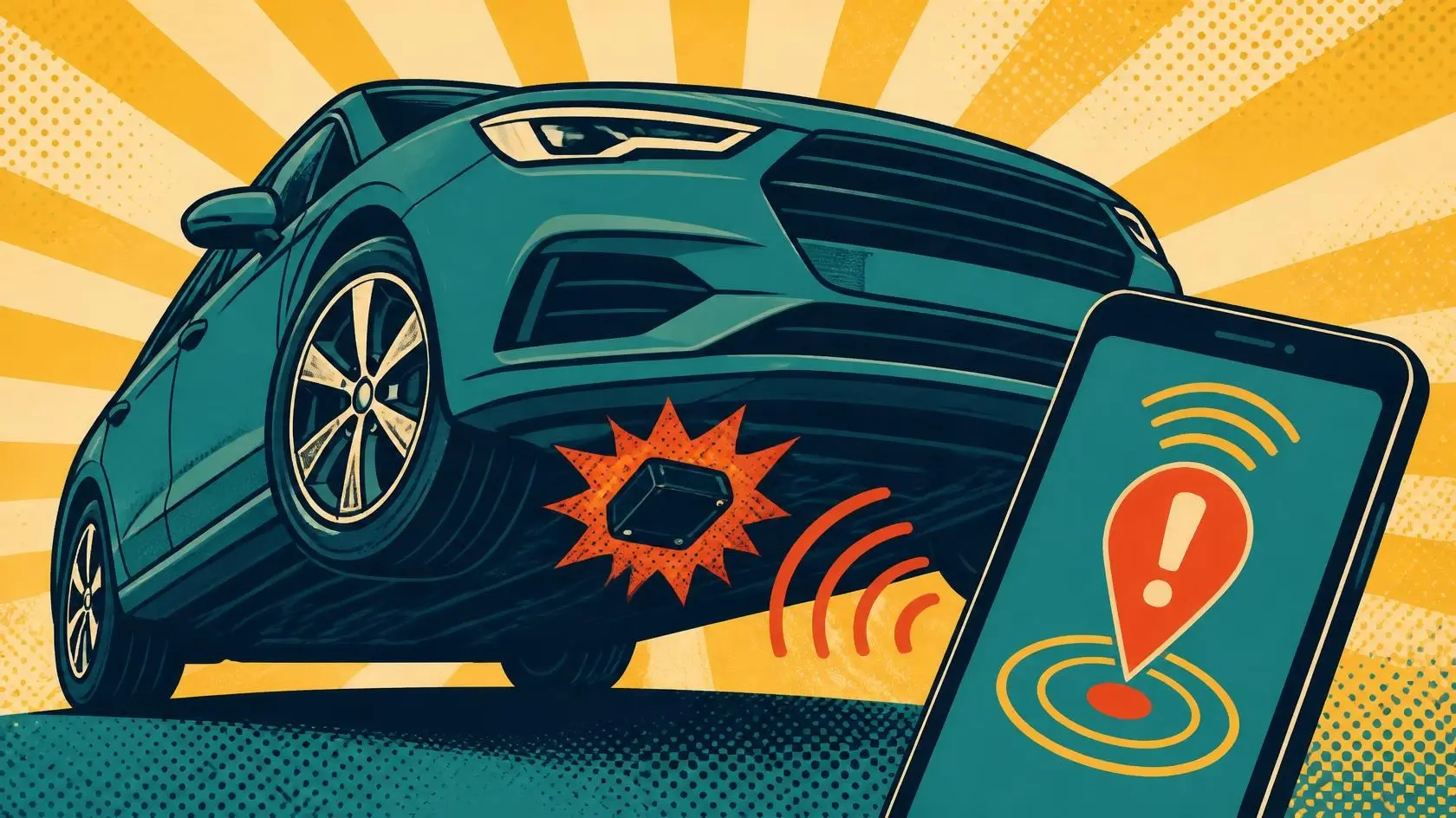
Detect a GPS Tracker: 7 Smart Checks That Actually Work
If you need to detect a GPS tracker, start by identifying what kind of tracker you may be dealing with. Modern unwanted tracking can involve Bluetooth item tags, battery-powered GPS/cellular units, hard-wired vehicle trackers, or software on a phone. No single app or gadget reliably finds all of them. This guide shows you seven practical checks, explains what iPhone and Android can detect, and helps you decide what to do if you actually find something.
The most important distinction is simple: “GPS tracker” is often used as a catch-all term. An AirTag-style item tracker may not contain a GPS receiver at all, while a true GPS tracker can calculate its position from satellites and send that position through a cellular or other radio connection. If you want to detect a GPS tracker without wasting time, you need to match the check to the technology.
| Tracker type | What may reveal it | Main limitation |
|---|---|---|
| Bluetooth item tracker | iPhone/Android alerts, sound, physical search | Only compatible devices are covered |
| GPS + cellular tracker | Physical inspection, wiring clues, RF activity | May sleep or transmit only occasionally |
| Hard-wired/OBD tracker | Vehicle inspection, unfamiliar plug or wiring | Can resemble legitimate electronics |
| Phone-based tracking | Account, permission and stalkerware checks | There may be no physical tracker to find |
Key Takeaways
- Your phone is useful, but not magical: built-in alerts can help detect compatible Bluetooth trackers, not every hidden GPS/cellular device.
- Physical inspection still matters: a careful check of your car, bag, clothing and frequently carried objects can reveal devices that software never sees.
- RF detectors have limits: they can react to legitimate transmitters and may miss a tracker that is sleeping between transmissions.
- Do not destroy evidence: if unwanted tracking may involve stalking or abuse, document what you found and consider your safety before disabling or removing anything.
- Think beyond hardware: if someone seems to know your location but no device turns up, account sharing, location permissions or stalkerware may be the real path.
1. Know how to detect a GPS tracker by type
Before you try to detect a GPS tracker, separate four different ideas: satellite positioning, cellular communication, Bluetooth item tracking and phone-based location sharing. They can all reveal where you are, but they leave different traces.
A true GPS tracker usually contains a satellite-navigation receiver. That receiver calculates a position; another component then has to store or communicate the result. Many vehicle trackers use a cellular connection for that second part. Some log data locally and upload it later. A device that is not transmitting at the moment can therefore be much harder to notice with radio-frequency equipment.
Bluetooth item trackers work differently. They advertise over short-range Bluetooth and can use nearby phones participating in a finding network to report their approximate location. This is why your phone may warn you about an unfamiliar tag traveling with you even though the tag itself is not a miniature satellite phone.
This difference matters whenever you want to detect a GPS tracker. A Bluetooth scan that finds nothing does not prove your car is clear. Equally, an RF detector that chirps near the dashboard does not prove you found a tracker; cars are full of legitimate radios, keyless-entry systems, telematics and phones.
HackersGhost Note:
What matters to me here is matching the evidence to the claim. “My phone found no AirTag” and “there is no tracking device anywhere on my vehicle” are very different statements. Security gets easier when we stop asking one tool to certify the entire universe.
2. Use iPhone and Android unwanted-tracker alerts
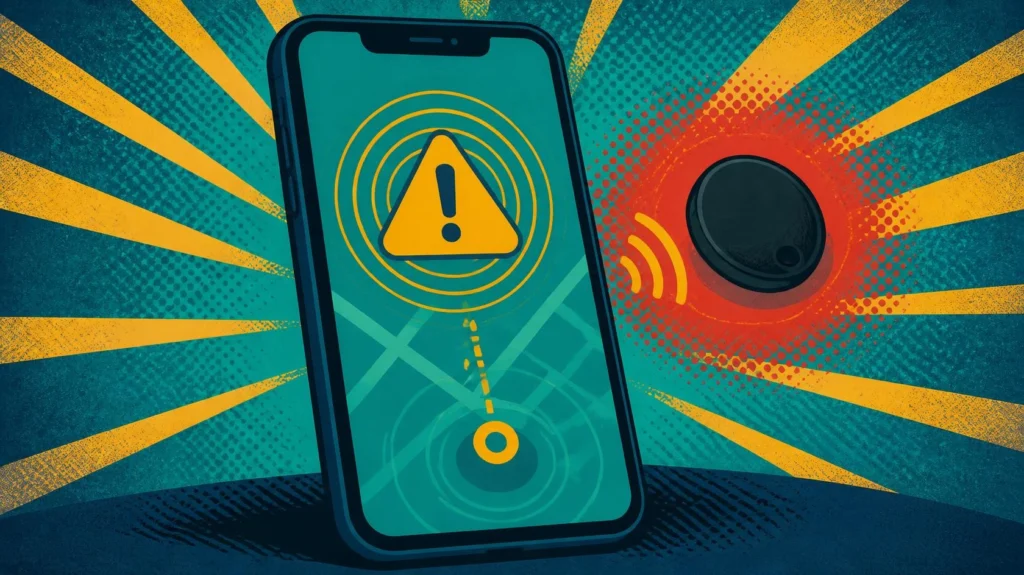
If the suspected device is a compatible Bluetooth item tracker, your phone is the best place to start. Apple and Google built cross-platform unwanted-tracking protections around an industry specification for compatible location trackers. That gives modern phones a practical way to detect a GPS tracker in the broad everyday sense when the “tracker” is actually a supported Bluetooth tag moving with you.
How iPhone can help detect a GPS tracker
On a current iPhone, unwanted tracking alerts can warn when an AirTag, Find My accessory or another compatible Bluetooth location-tracking device appears to be moving with you while separated from its owner. Depending on the device, you may be able to view where it was detected, play a sound, use nearby-finding features and retrieve identifying information.
Apple documents these protections through its current safety guidance. You can also start from the official Apple website when you need the latest platform information. Keep Bluetooth, location-related services and tracking notifications configured as required by your device; airplane mode can prevent alerts from arriving while it is enabled.
An iPhone alert is meaningful evidence, but it is not a universal scan. If you want to detect a GPS tracker that communicates only through cellular radio and never advertises as a compatible Bluetooth tracker, the iPhone unwanted-tracker system is not designed to certify that device as absent.
iPhone Hacked? 9 Alarming Signs and What to Do Next
How Android can help detect a GPS tracker
Android also provides unknown-tracker alerts and a manual scan for supported trackers. Google currently says the feature works with Find Hub network-compatible tags, compatible headphones and Apple AirTags. A manual scan can look for supported trackers that are separated from their owners and currently near you.
The official Android website is the durable homepage reference; Google’s current support documentation explains the exact settings and compatible tracker behavior. On supported Android devices, the alert can show a map, let you play a sound, guide you closer for some tracker types and provide next steps.
Again, do not over-read a clean result. A manual scan is useful when you want to detect a GPS tracker that participates in a compatible Bluetooth finding network. It does not mean Android has scanned every radio, every hidden wire and every battery-powered cellular box in the vehicle.
Android Phone Hacked? 9 Revealing Signs and What to Do
3. Physically inspect items to detect a GPS tracker
A physical search sounds almost disappointingly low-tech, which is exactly why it is useful. If somebody attached a separate device, that hardware needs to exist somewhere. To detect a GPS tracker on a car, begin with areas you can inspect safely without dismantling safety systems or putting yourself under an unsupported vehicle.
- Start with what you carry: check bags, jacket pockets, laptop sleeves, bike pouches and objects that recently appeared or were returned to you.
- Check the cabin: look under seats, around removable mats, storage compartments, the spare-wheel area and other accessible cavities.
- Look at accessible vehicle ports: an unfamiliar device in the OBD-II diagnostic connector is worth identifying before you unplug it.
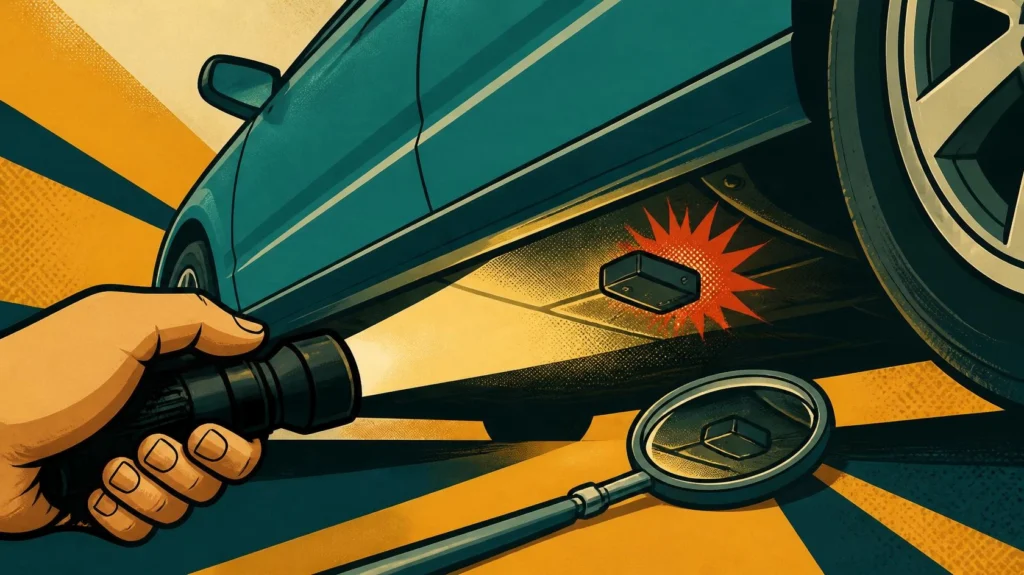
- Inspect visible exterior hiding points: use a flashlight and mirror around accessible metal surfaces and wheel-area edges, but do not crawl beneath a vehicle supported only by a jack.
- Notice new wiring: unfamiliar inline modules, recently disturbed trim or non-factory-looking power leads deserve a closer professional inspection.
When you detect a GPS tracker physically, do not assume that every unfamiliar box is malicious. Fleet-management hardware, insurance telematics, alarm systems, dealer accessories and legitimate vehicle electronics can all look strange if you have never seen them before. Photograph labels and connectors before changing anything.
If the vehicle is leased, financed, company-owned or shared, there may also be lawful tracking or telematics hardware you did not personally install. The technical question “what is this device?” should come before the conclusion “someone is stalking me.” That order keeps the investigation useful and avoids turning a mystery connector into a courtroom drama starring your dashboard.
HackersGhost Note:
What I usually check first in any security problem is the simplest evidence I can verify without changing the system. Here that means photos, labels, connector location and whether the device appears factory-installed or added later. You can detect a GPS tracker and still ruin the evidence by yanking it out before documenting what you found.
4. Check power, wiring and radio clues without overclaiming
Some hidden trackers are battery powered. Others draw power from a diagnostic port, USB connection or vehicle wiring. If you are trying to detect a GPS tracker after a physical search, power and connectivity clues can help you decide where to look next.
An OBD-connected unit is relatively easy to spot because it needs the diagnostic port. A hard-wired unit may be tucked behind trim near a power source. A magnetic battery tracker may have no wiring at all. That is why “I checked the fuse box” is useful evidence but not a complete search.
Can Bluetooth scanner apps detect a GPS tracker?
Bluetooth scanner apps can show nearby Bluetooth Low Energy advertisements, which can be helpful when you are investigating an unknown tag. But they do not automatically tell you which device belongs to whom, and they cannot reliably detect a GPS tracker that does not use Bluetooth advertising.
Bluetooth environments are noisy. Phones, watches, earbuds, cars, smart-home gear and laptops can all appear. Randomized identifiers can also change over time. Treat a Bluetooth scan as a clue generator, not as a verdict.
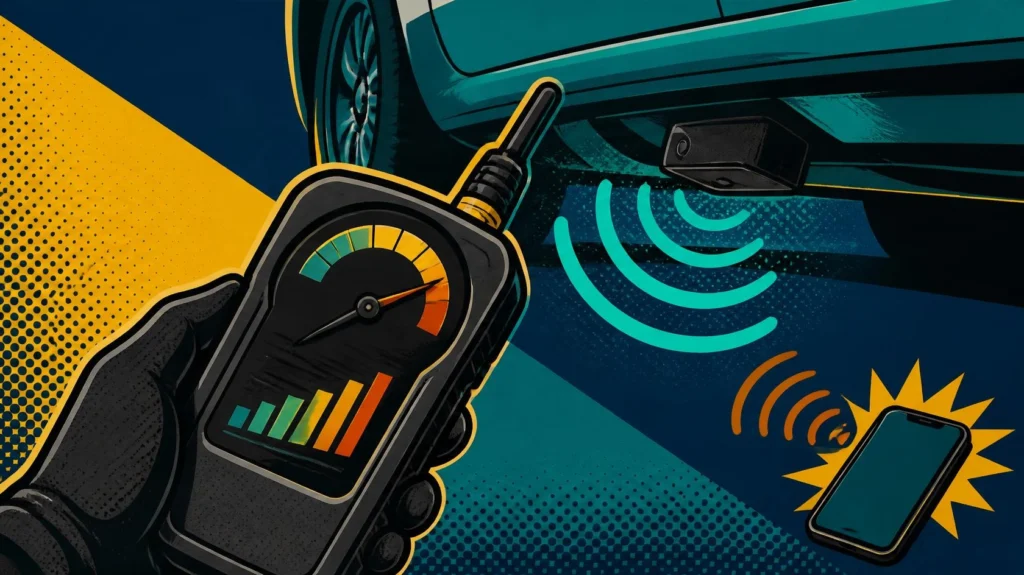
Can an RF detector detect a GPS tracker?
An RF detector looks for radio-frequency energy. It may help detect a GPS tracker while the tracker is actively transmitting over cellular, Bluetooth or another supported frequency range. The problem is that your environment contains many legitimate transmitters too.
A tracker may also remain quiet for long periods and transmit only when it wakes, moves or reaches a scheduled interval. If it is silent during your sweep, a detector has nothing to hear. The reverse problem is false positives: your own phone, Wi-Fi, keyless-entry electronics or nearby devices can trigger the detector.
If you use RF equipment to detect a GPS tracker, read its supported frequency range and sensitivity limits before trusting the result. Temporarily moving known personal transmitters away from the search area can reduce noise, but do not disable vehicle systems you do not understand. A professional sweep is the safer next step when the stakes are high and the evidence remains ambiguous.
5. Separate a hidden tracker from phone and account tracking
Sometimes you never detect a GPS tracker because there is no separate tracker. Someone may know your location through shared account access, a family-location feature, a social app, a compromised cloud account or stalkerware installed on the phone itself.
This is where the symptoms matter. If the person seems to know not just where you are but also who you contact, what you type or what appears on the device, the problem may be broader than location tracking. The U.S. Federal Trade Commission’s current stalkerware guidance warns that removing monitoring software can sometimes alert an abusive person and recommends considering safety and evidence preservation before making changes.
When you need to detect a GPS tracker, also check location-sharing features, signed-in devices, app permissions and account sessions from a safe device where appropriate. If you suspect an abusive partner or stalker has access, avoid making a predictable sequence of changes from a possibly monitored phone. Your immediate safety matters more than winning an argument with a settings menu.
If your goal is to detect a GPS tracker but the physical and Bluetooth checks are clean, do not keep repeating the same scan forever. Change the hypothesis. Review whether location information could be coming from the phone or accounts instead.
Full Privacy Online: 9 Revealing Checks for Safer Browsing
6. Use a repeatable GPS tracker detection workflow
When people are worried, it is easy to bounce between apps, YouTube tricks and gadgets until every Bluetooth device starts looking suspicious. A better way to detect a GPS tracker is to use the same order every time and record what each check actually proves.
- Record why you are checking. Note the alert, repeated location coincidence, unfamiliar device or other concrete trigger.
- Review built-in tracker alerts. Check iPhone or Android notifications and run the supported manual scan where available.
- Search the items that travel with you. Work from bags and clothing to the vehicle cabin and accessible exterior areas.
- Document unfamiliar hardware. Photograph the device, port, wiring, labels and exact location before touching it.
- Use Bluetooth or RF tools as secondary evidence. Record what they detect and what they cannot test.
- Check the phone/account hypothesis. Review location sharing, account sessions and app permissions if no hardware explains the concern.
- Escalate when the stakes justify it. A qualified mechanic, security professional, support organization or law enforcement can help when the device is hard to identify or personal safety is involved.
This workflow helps you detect a GPS tracker without confusing “not found by this test” with “does not exist.” Negative evidence becomes useful when you write down the scope. A clean Bluetooth scan means no supported tracker was found under those conditions; it does not magically inspect the wheel wells.
What not to do during GPS tracker detection
- Do not crawl beneath a vehicle that is supported only by a jack.
- Do not cut unfamiliar wiring or unplug safety-critical electronics just to see what happens.
- Do not assume every Bluetooth MAC address or RF spike is a tracker.
- Do not publish serial numbers, personal data or location maps while asking strangers to identify a device.
- Do not destroy or factory-reset a suspicious tracker before considering whether its information may matter as evidence.
If you want to detect a GPS tracker because you fear stalking, keep the investigation proportionate to the risk. Technical curiosity can wait. Move to a safer place and use a trusted device to seek help if changing or disabling the tracker could create danger.
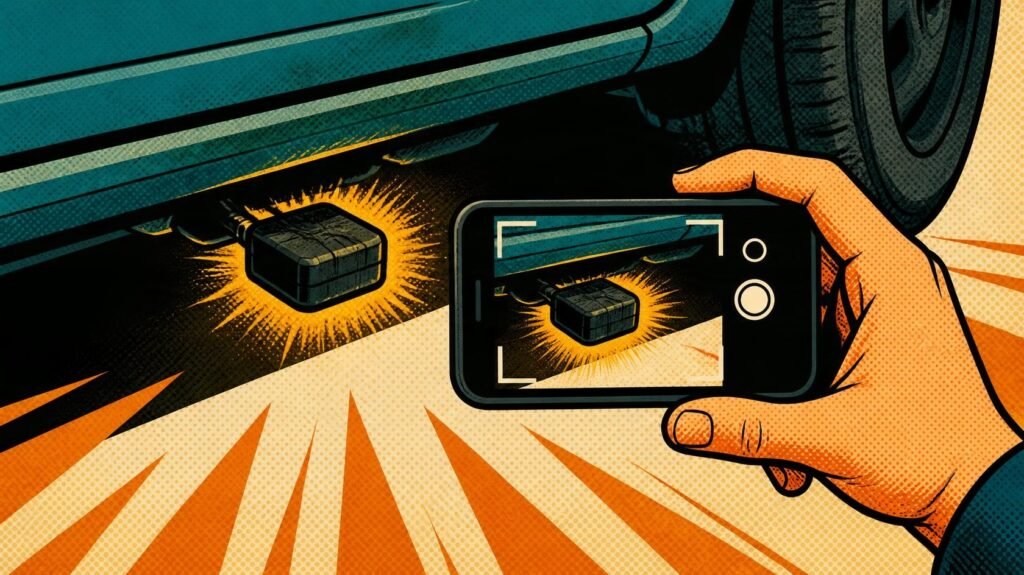
7. If you find a tracker, document first and disable safely
Finding a suspicious device changes the job. Your priority is no longer simply to detect a GPS tracker; it is to preserve useful information, avoid unnecessary damage and decide whether disabling it is safe.
For a compatible Bluetooth tracker, the phone alert may provide a serial number, device identifier or partially obscured owner information. Take screenshots of the alert and map before they disappear. Photograph the tracker where you found it and any label, connector or mounting method.
Apple and Google both advise users who feel unsafe to consider a safe public location, a trusted contact or law enforcement. Google also notes that disabling some trackers can affect what information remains available later. That is a good reason to document before you press every button offered by the app.
If you simply found a misplaced item tracker in borrowed luggage, the situation may be harmless. If the same tracker has followed your route repeatedly or appears deliberately hidden, the context is different. The technical process to detect a GPS tracker cannot determine intent by itself.
When you decide to disable a tracker, follow the current manufacturer instructions for that exact model rather than improvising. Removing a battery, unplugging an OBD device or cutting power can stop future updates, but the correct action depends on the device and your safety situation. If it is wired into a vehicle and you cannot identify it, have a qualified technician inspect it.
HackersGhost Note:
I prefer evidence that survives the next question. If you detect a GPS tracker, a photo of the device in place, its identifying information and the alert history are more useful than a broken plastic shell and the sentence “trust me, it was under there.”
Can a phone really detect a GPS tracker?
Yes, but only in specific cases. A phone can detect a GPS tracker when the device exposes something the phone knows how to recognize, such as a compatible Bluetooth item-tracker signal. It can also help identify unfamiliar Bluetooth devices near you. That does not turn the phone into a universal spectrum analyzer or vehicle inspection tool.
For this reason, “tracker detector” apps need careful interpretation. An app that lists Bluetooth devices may be doing exactly what it promises while still missing a cellular tracker with Bluetooth disabled. Another app may rely on the same platform-level unwanted-tracking framework already built into your phone.
If you need to detect a GPS tracker on a car, combine phone alerts with a physical inspection and, where justified, professional help. The more serious the safety concern, the less attractive it becomes to rely on an app whose main qualification is a dramatic icon in an app store.
How reliable is a hidden GPS tracker detector?
A dedicated hidden GPS tracker detector can be useful, but reliability depends on what it actually detects. Many consumer devices are RF detectors: they sense active radio transmissions rather than “GPS” itself. A GPS receiver mainly listens to satellite signals. The part you may detect is the tracker’s Bluetooth, cellular or other transmitter.
That creates three common failure modes when you try to detect a GPS tracker: the tracker is not transmitting, its frequency is outside the detector’s useful range, or legitimate electronics produce a stronger signal. Sensitivity controls can help narrow a source, but they do not identify intent.
When basic tools cannot detect a GPS tracker with confidence, a professional inspection can combine visual knowledge of vehicle electronics with radio testing and repeat measurements. That is more convincing than a single beep. If your concern involves personal safety, a professional may also help preserve the device and avoid damaging vehicle systems.
Detect a GPS tracker without turning every signal into proof
The practical way to detect a GPS tracker is layered: understand the technology, check built-in iPhone or Android alerts, inspect what travels with you, look for unfamiliar power or wiring, use radio tools as supporting evidence, and consider phone or account tracking when no hardware appears.
To detect a GPS tracker responsibly, start with the least invasive check that can answer your question. If you receive a genuine unwanted-tracker alert, save it. If you find hardware, photograph it before changing it. If every hardware check is clean but someone still knows too much, move the investigation to accounts, location sharing and device compromise.
Most importantly, do not let a gadget give you false certainty. You can detect a GPS tracker with the right evidence, but no single scan proves every possible tracking method absent. Good security work is comfortable saying what a test did and did not establish.
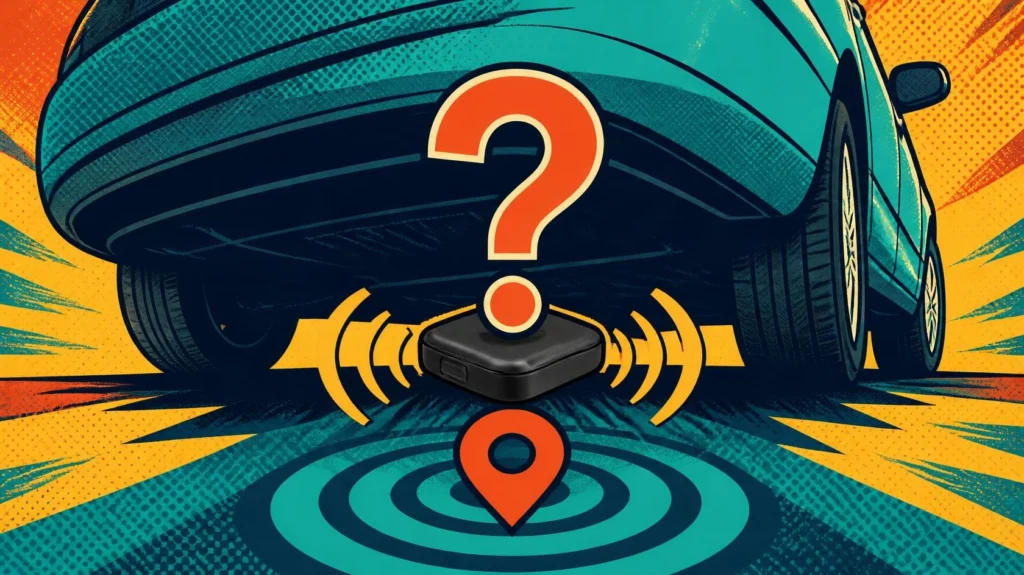
Detect a GPS Tracker FAQ
Can my phone detect a GPS tracker hidden in my car?
Your phone can detect a GPS tracker only when the device exposes a compatible signal or alert mechanism, such as a supported Bluetooth item tracker. A cellular GPS tracker with no compatible Bluetooth advertising may not appear in a phone scan, so a vehicle search can still be necessary.
How do I detect a GPS tracker on my car without special equipment?
Start with built-in unwanted-tracker alerts, then inspect your belongings, the vehicle cabin, accessible storage areas, the OBD-II port and visible exterior hiding points. Photograph unfamiliar hardware before touching it. A flashlight and mirror can be more useful than an app when the tracker is a physical box.
Will an RF detector find every hidden GPS tracker?
No. An RF detector may help detect a GPS tracker while the device is actively transmitting on a frequency the detector can sense. It can miss sleeping or intermittent trackers and can also react to legitimate phones, vehicle radios, Wi-Fi and Bluetooth devices.
Does an AirTag count as a GPS tracker?
Not technically. AirTag uses Bluetooth and Apple’s Find My network rather than a built-in GPS receiver to report its location. People often use “GPS tracker” as a general label, which is why this guide covers both true GPS/cellular units and Bluetooth item trackers.
Can turning off Bluetooth stop someone tracking me?
Not necessarily. Turning off Bluetooth on your own phone does not disable a separate tracker. Apple and Google both explain that the tracker itself must be disabled according to its manufacturer’s instructions if you want to stop it reporting future locations.
What should I do after I detect a GPS tracker?
Document where you found it, photograph identifying information, save any phone alerts and consider whether disabling it could affect your safety or evidence. If stalking or abuse may be involved, use a safe device or location to seek support and consider law enforcement or a specialist before destroying or resetting the tracker.
Can someone track my location without hiding a physical tracker?
Yes. Shared accounts, location-sharing services, app permissions and stalkerware can expose location without a separate box in the car or bag. If you cannot detect a GPS tracker after reasonable hardware checks, review the phone and account paths instead of assuming the hardware is simply better hidden.
Is a GPS tracker detection app enough for a serious safety concern?
No. A GPS tracker detection app may cover supported Bluetooth trackers or nearby Bluetooth devices, but it cannot establish that every cellular, wired or dormant tracker is absent. For a serious safety concern, combine platform alerts with physical inspection and qualified help.
Device Security & Consumer Tech Cluster
- Detect a GPS Tracker: 7 Smart Checks That Actually Work 》》
- OWASP ZAP Vulnerability Scan: 7 Smart Lab Steps 》》
- AdGuard Not Working: 7 Smart Checks to Restore Blocking 》》
- AdGuard Ad Blocker for iOS: 7 Essential Checks 》》
- AdGuard Ad Blocker for Safari: 7 Smart Checks 》》
- Roblox Passkey Not Working? 7 Fixes to Try 》》
- Roblox Enhanced Protection: 7 Security Settings That Matter 》》
- Roblox Account Hacked? 7 Safe Recovery Steps 》》
- Fake CAPTCHA Malware: 7 Warning Signs and Safe Fixes 》》
- Is My PC Hacked? 7 Suspicious Signs to Check First 》》
- Is AdGuard Safe? 7 Honest Checks Before You Trust It 》》
- AdGuard Ad Blocker for Android: 7 Honest Mobile Tests 》》
- PSN Name Availability: 7 Smart Checks Before Changing IDs 》》
- Activision Account Recovery: 7 Safe Steps After a Hack 》》
- Can Google Chromecast Be Hacked? 7 Risks to Know 》》
- AdGuard vs uBlock Origin: 7 Smart Blocking Differences 》》
- NordPass Review: 7 Essential Features That Stand Out 》》
- Malwarebytes Review: 7 Reasons It Is Still Worth It 》》
- Is AdGuard Worth It? 7 Ad Blocker Reasons I Think It Is 》》
- EaseUS Data Recovery Wizard Review: I Deleted My Files 》》
- Minecraft Account Recovery: 7 Steps After Being Hacked 》》
- EaseUS Todo Backup Review: Is It Really Worth Using? 》》
- Can Mac Get Hacked? 9 Apple Security Myths That Still Fool People 》》
- How to Reset a Netgear Router Password Without Breaking Your Network 》》
- Proton Mail Private Email: 7 Real Reasons I’d Use It Over Gmail 》》
- Proton Drive: Is This Secure Cloud Storage Worth Using? 》》
- Proton Pass: 9 Privacy Wins That Matter 》》
- USB C to HDMI Adapter: 7 Smart Checks Before You Buy 》》
- Xbox Account Hacked? 7 Warning Signs and Recovery Steps 》》
- Fortnite Account Hacked? How to Recover It and Secure It Again 》》
- Router Hacked? 9 Serious Warning Signs to Check Now 》》
- PlayStation Account Hacked? 7 Proven Recovery Steps 》》
- Dating Online Scams: 9 Serious Red Flags Before Your “Soulmate” Drains Your Wallet 》》
- What Does Malwarebytes Do? 7 Practical Ways to Use It 》》
- Epic Games Account Hacked: How to Get It Back 》》
- Can Game Mods Hack Your PC? 7 Risks Gamers Ignore 》》
- Steam Account Hijacked? 7 Proven Recovery Fixes 》》
- WhatsApp Hacked? 7 Warning Signs and What to Do Immediately 》》
- iPhone Hacked? 9 Alarming Signs and What to Do Next 》》
- Android Phone Hacked? 9 Revealing Signs and What to Do 》》
- Telegram Scams Explained: 7 Sneaky Tricks to Avoid 》》
- Smart TV Hacked? 7 Warning Signs and Practical Fixes 》》
- Discord Nitro Scams Explained: How They Work and How to Avoid Them 》》
- 9 Powerful WiFi Hacking Tools for ethical hacking 》》
- Firestick Hacked? 7 Warning Signs You Should Check 》》
- Jailbreak a Firestick? 7 Security Risks Before You Sideload 》》
- Roblox Account Hacking Explained: How Accounts Get Hacked and Stay Safe 》》
Some links in this article are affiliate links. If you use them, I may earn a small commission — at no extra cost to you. I only recommend tools I’ve actually tested inside my own cybersecurity lab. Read the full disclaimer.
In many cases, these links unlock better deals than you’ll find on your own.
No paid reviews. No sponsored opinions. Just real testing and real setups.
If you decide to use them, you’re not just getting a discount — you’re helping keep this lab running.